
Grow Accounts Smarter
LunaticLabs automates account progression for TCG Pocket: setup, farming, rewards, leveling, and collection growth in one polished control flow.
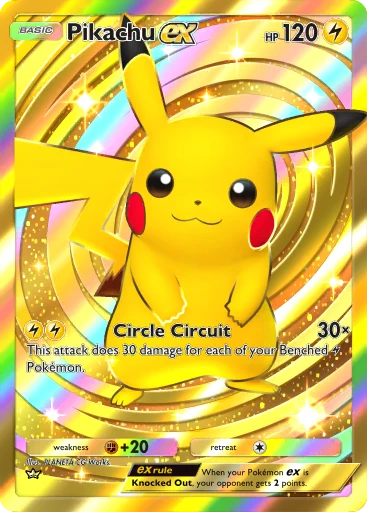
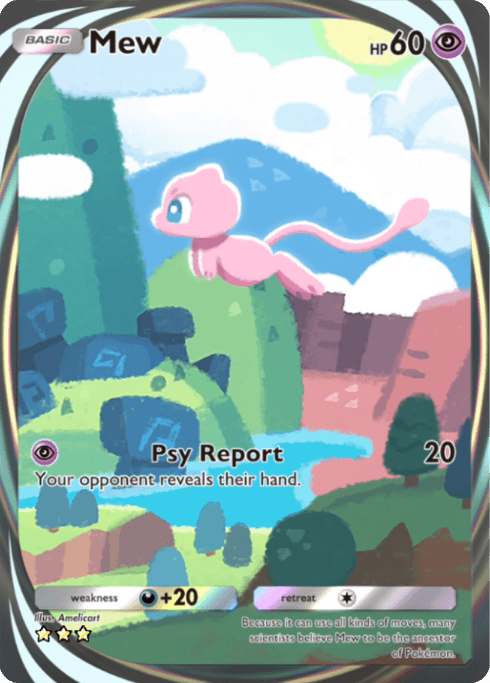
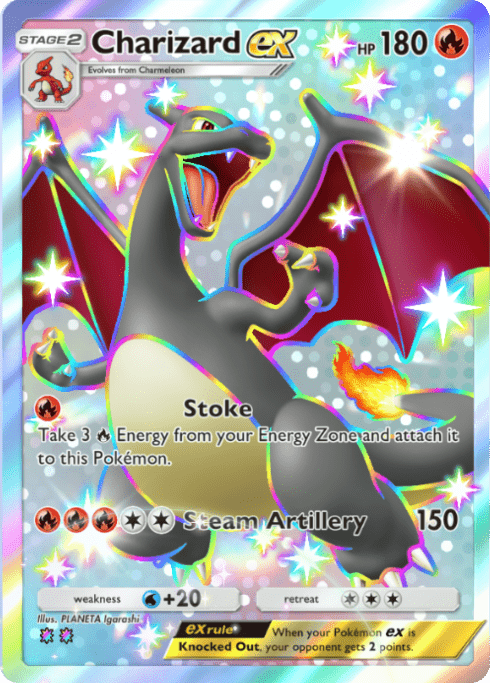

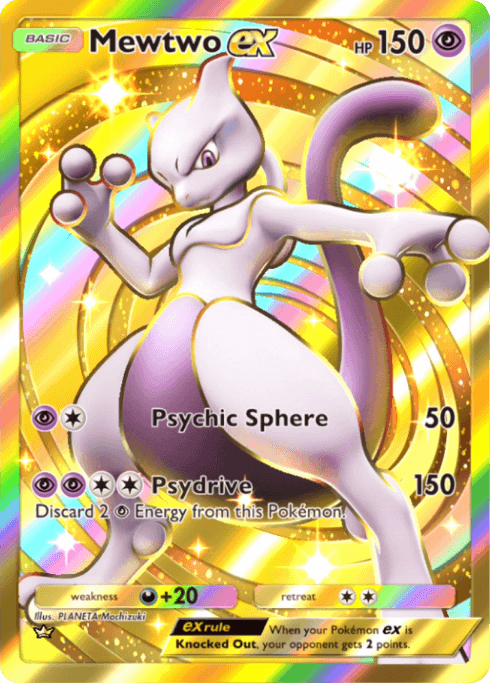
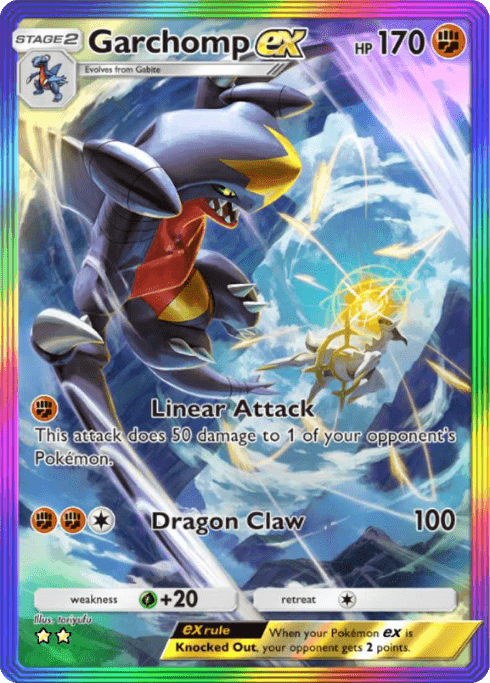
Use TCG Pocket reroll automation to chase rare, shiny, full art and crown cards without repeating the same setup manually.
Build extra accounts around valuable pulls, then move cards to your main account when trading fits your plan.
Farmer mode keeps resources, battles, quests and Wonder Picks moving so every account gains long-term value.
Core automation
Two modes. One stronger account.
LunaticLabs focuses on automating the core grind of TCG Pocket through two main modes: Reroll for target-card outcomes and Farmer for long-term account progression.
Reroll Mode
Reroll accounts until your selected cards appear. Especially useful when preparing accounts for trading and building around specific pulls.
Farmer Mode
Automate repeatable progression tasks so accounts keep collecting value: resources, battles, quests, Wonder Picks and routine farming loops.
Whitelist rerolls
Select wanted cards and let reroll mode work toward those outcomes.
Resource farming
Keep the account collecting useful resources through repeatable loops.
Battles and quests
Automate repetitive progression tasks that make the account stronger.
Wonder Picks
Include Wonder Pick routines as part of the account growth workflow.
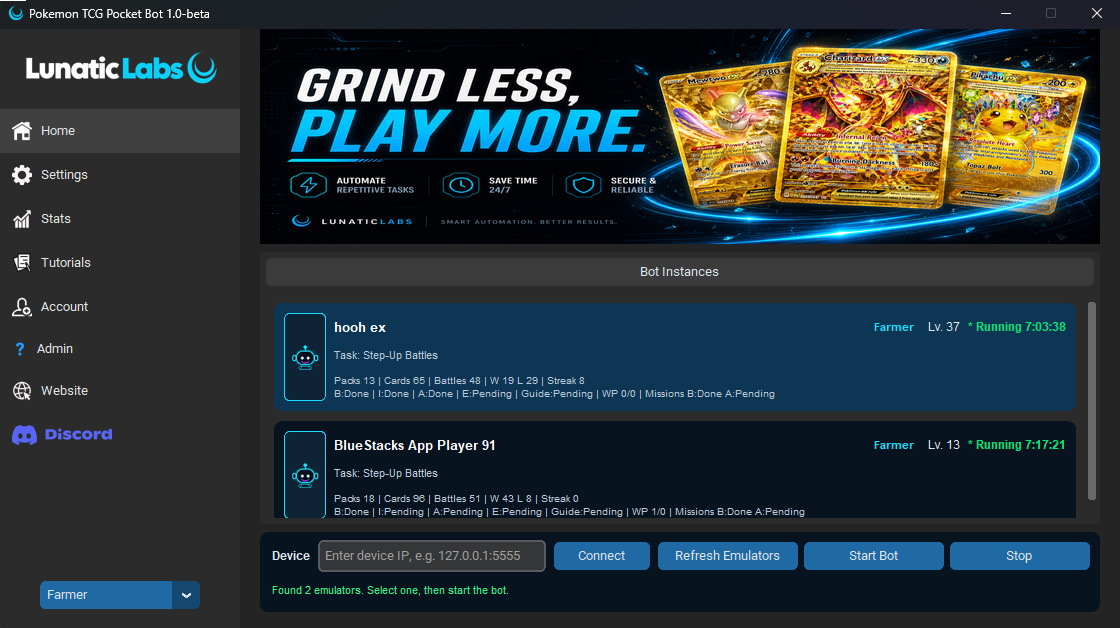
Every core screen in motion.
Rotate through the dashboard, whitelist, stats, profiles, settings and tutorials to understand the workflow before choosing a license.
Monitor account setup, automation status, and progression from one focused dashboard.
Automation map
What the bot covers.
Built around the grind that matters.
LunaticLabs focuses on the repeatable TCG Pocket work that grows accounts: target-card rerolls first, then farming routines that keep progression moving.
Reroll Mode
Reroll accounts until your selected cards appear. Especially useful when preparing accounts for trading and building around specific pulls.
Farmer Mode
Automate repeatable progression tasks so accounts keep collecting value: resources, battles, quests, Wonder Picks and routine farming loops.
Reroll for targets
Set wanted cards, packs and stop conditions so accounts are prepared around specific pulls.
Farm account value
Run resources, battles, quests and Wonder Picks as repeatable growth routines.
Reuse profiles
Save mode-specific setups and switch between farming, packs, events and reroll paths quickly.
Scale instances
Premium users can spread the same workflow across more accounts from one control surface.
Pricing
Choose your license.
Free Key
Create a customer account and claim a starter key from your private dashboard before choosing a paid license.
- Account login required
- Real key shown after claim
- Upgrade later from pricing
Standard
- 1 active bot instance
- Reroll & whitelist tools
- Farming and rewards
- Pack opening
- Setup guide
- Discord support
Premium
Value
- Unlimited active instances
- Multi-account scaling
- All core modules
- Priority support
- Premium profiles
- Best for power users
FAQ
Before you buy.
How fast do I get access?
Paid license access is delivered through the account dashboard after checkout is completed and synced.
What is Premium for?
Premium is for users who want multi-instance scaling, priority support, and the full progression workflow.
Can I try it first?
Yes. Create a customer account and claim one free starter key from the account dashboard.
Which game language is supported?
The tool currently works with the English version of the game only.
Is the tool stable?
The current release is 1.0 beta, so small bugs can still happen while the tool continues to improve.
Where do I get setup help?
Join Discord for setup guidance, release notes, emulator expectations, and troubleshooting.
Discord
Support, updates and setup in one place.
Join the LunaticLabs server before or after purchase to check setup expectations, follow releases, and get help when your emulator workflow needs attention.

Use Discord to confirm setup, supported emulator flow and update expectations before committing to a license.
Download
Install the LunaticLabs tool.
Download the latest Windows build after purchase, then use Discord and the tutorials section for setup steps, emulator settings and update notes.
Latest installer is delivered through the secure download backend.
 Windows
.png) BlueStacks
BlueStacksChoose your license. Start smarter.
Pick Standard for one active bot or Premium for multi-instance scaling. Checkout opens directly through Shopify.